![Untitled design (29)-1.png]](https://help.coastr.com/hs-fs/hubfs/Untitled%20design%20(29)-1.png?height=40&name=Untitled%20design%20(29)-1.png)
Step 1: Go to settings, and click on organisation on the Car and Van Rental Software.
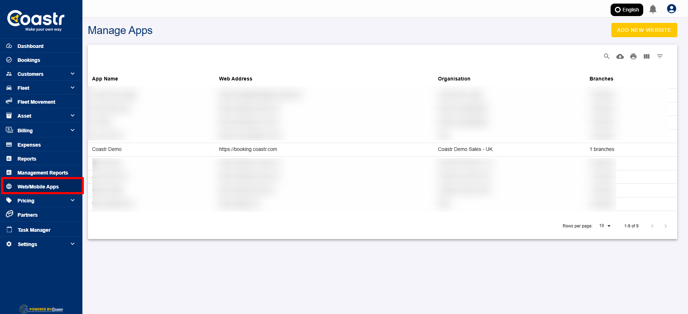
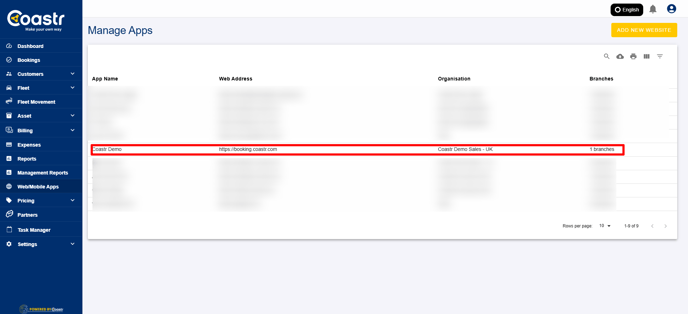
Step 2: Select the desired organisation, where you would like to set up vehicle group specific tax.
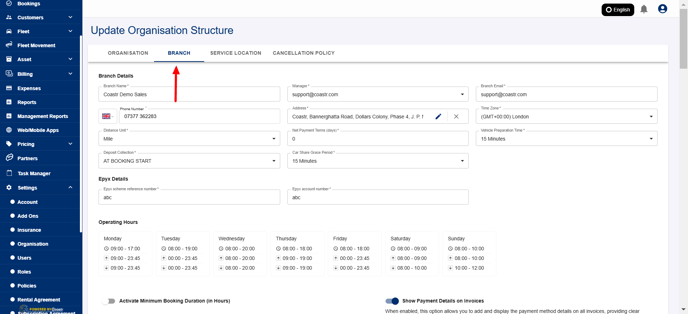
Step 3: Go to the branch Tab.
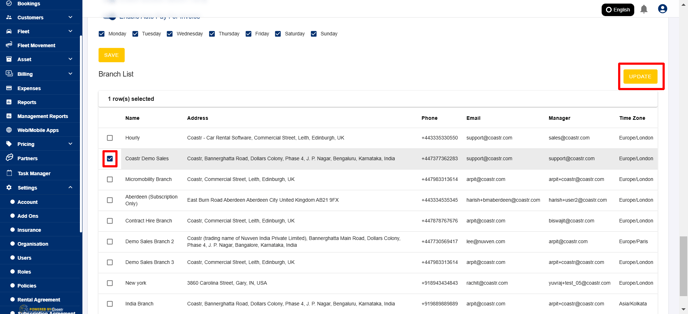
Step 4: Scroll down to the list of branches, and select the desired branch and click on "Update" to populate the details of the selected branch.
Step 5: Find Vehicle specific tax under "Add Tax" Option.
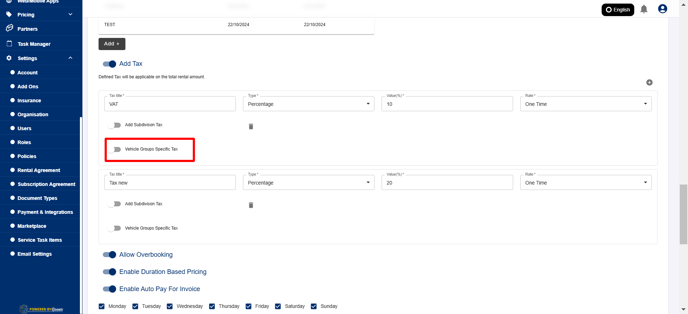
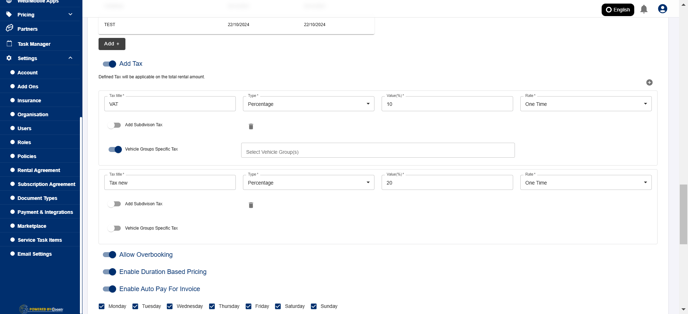
Step 6: Enable this option to add vehicle groups, to the list.
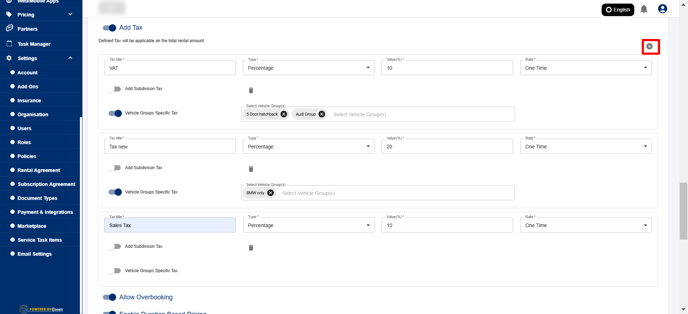
Step 7: Add additional Tax to add additional taxes, for specific groups.
Step 8: Click on "Save" to update this.
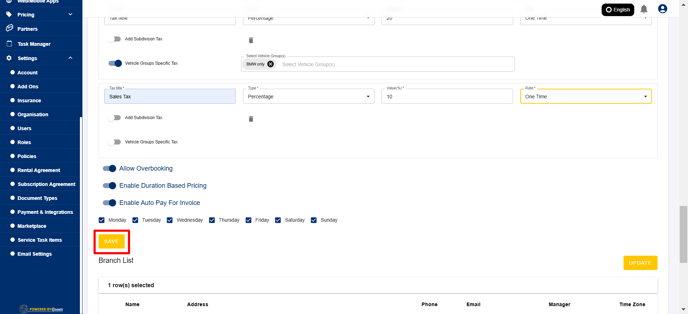
That's it! You have successfully updated tax for specific groups.
If you've any questions or issues, please email support@coastr.com. We're happy to help!
If you found this article useful then please vote below, it helps us massively. Thank you!