![Untitled design (29)-1.png]](https://help.coastr.com/hs-fs/hubfs/Untitled%20design%20(29)-1.png?height=40&name=Untitled%20design%20(29)-1.png)
Please follow the below steps to update this:
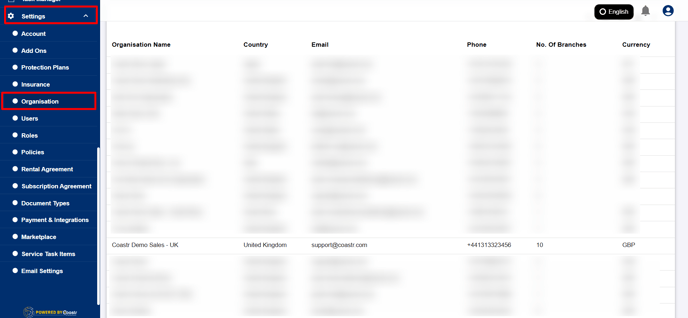
Step 1: Click on settings and select organisation on the Car and Van Rental Software.
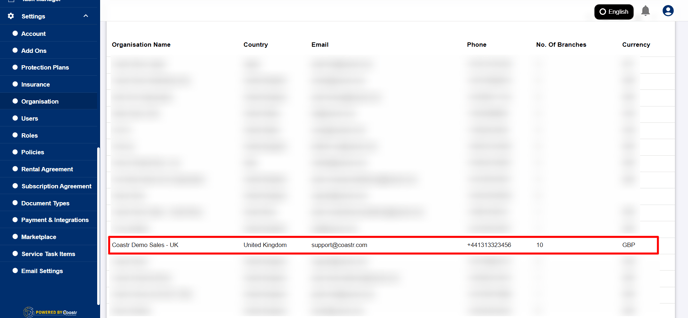
Step 2: Select organisation, and select the desired organisation from the list, if there are multiple.
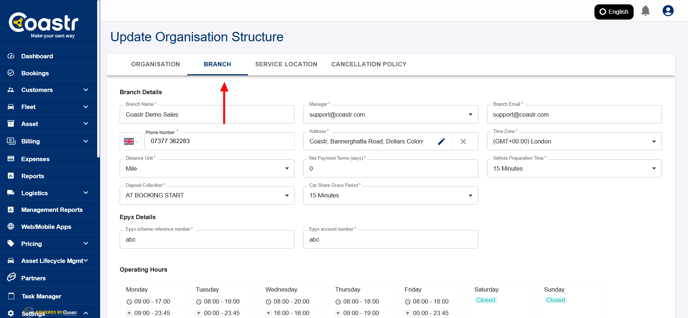
Step 3: Select branch tab at the navigation bar.
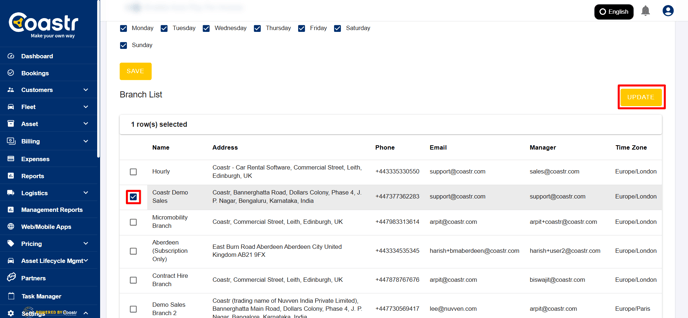
Step 4: Scroll down to select the branch from list of branches available.
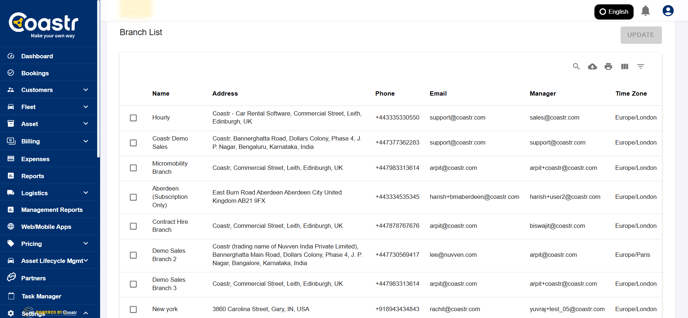
Step 5: Select the branch and click 'Update' to gather all information on the branch.
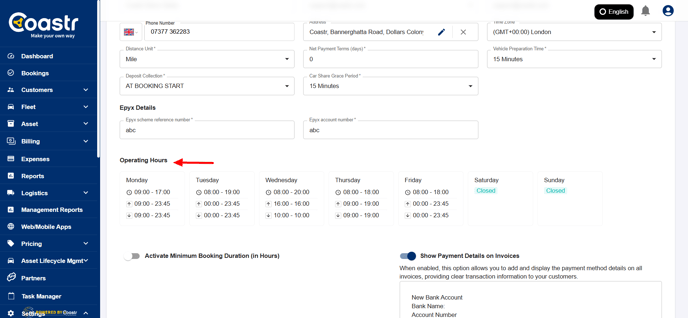
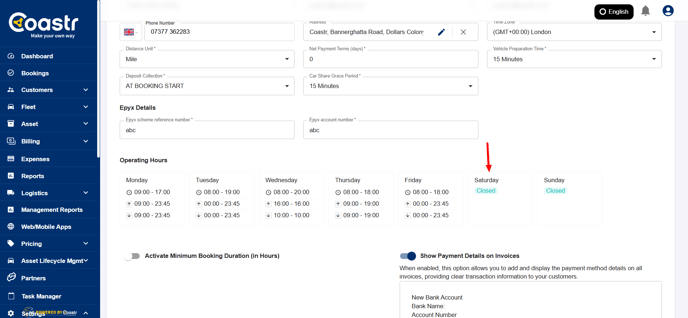
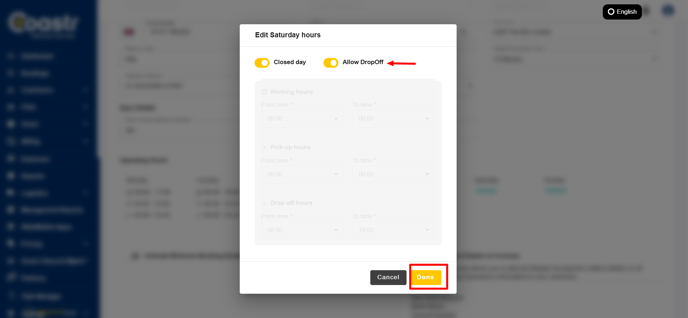
Step 6: Find the operating hours menu. Click on desired day, you want to be closed but still allow vehicle drop off.
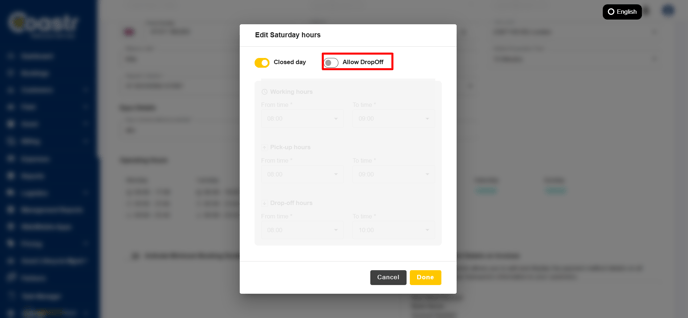
Step 7: Once you select the day, select the toggle for 'Allow Drop-off' and click 'Done'
Step 8: Click 'Save' under branch settings to update this.
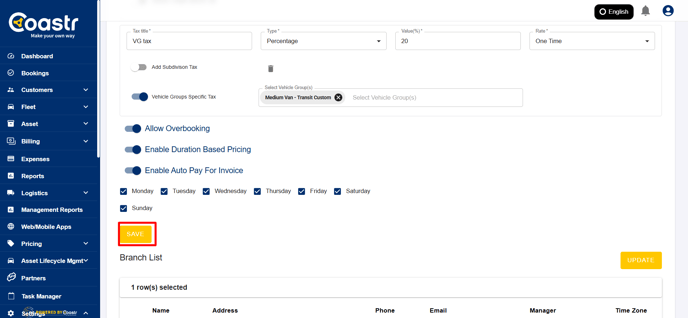
That's it! You have successfully updated the operating hours, and allowed to drop-off vehicles on a closed day.
If you have any questions or run into issues, feel free to contact us at support@coastr.com — we’re happy to help!
If you found this article useful, please vote below — it really helps us out. Thank you!