![Untitled design (29)-1.png]](https://help.coastr.com/hs-fs/hubfs/Untitled%20design%20(29)-1.png?height=40&name=Untitled%20design%20(29)-1.png)
Step 1: Go to the Website/Mobile App tab located on the left-hand side navigation bar within the Car and Van Rental Software. 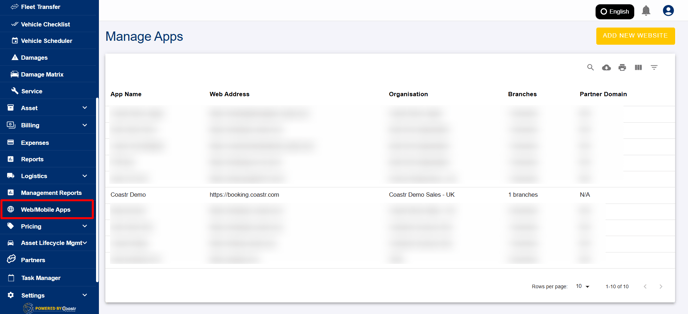
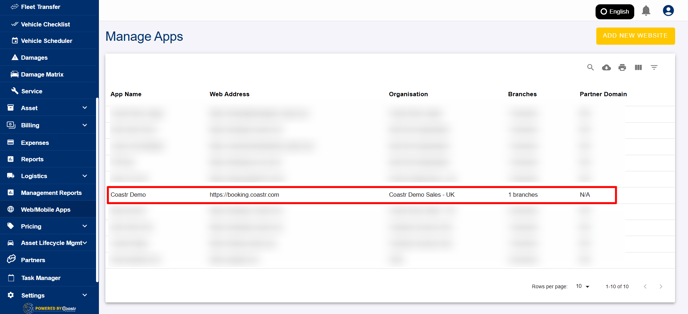
Step 2: From the available options, click on the Booking Website Listing you wish to edit. If you have multiple listings, make sure to select the correct one to ensure you're applying changes to the right booking page.
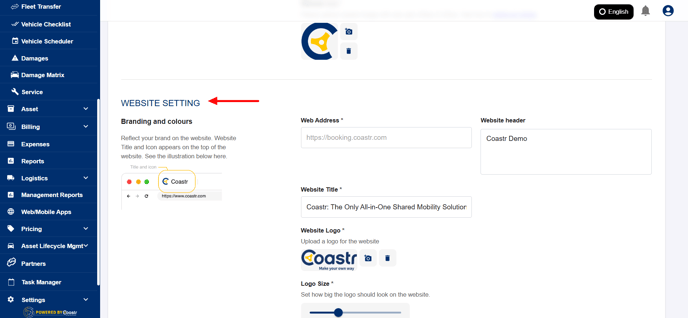
Step 3: Once the selected listing is open, scroll down through the settings until you reach the Website Setting section. This is where you can manage various configurations related to how your website appears to customers.
Step 4: In this section, look for the toggle option labelled ‘Include Tax for Vehicle Group’. This setting allows you to display VAT-inclusive pricing on your website, providing more transparency to your customers.
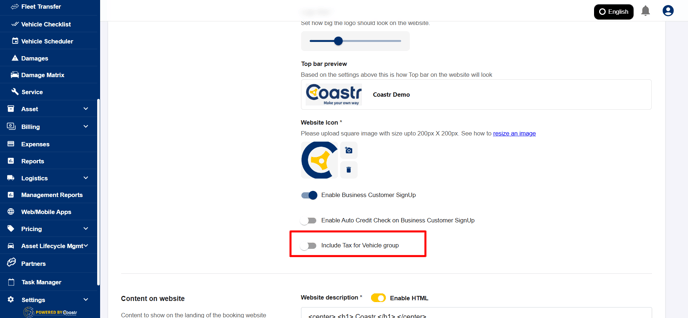
Step 5: Simply enable the toggle to turn this setting on, and then click on the ‘Save’ button to apply your changes. 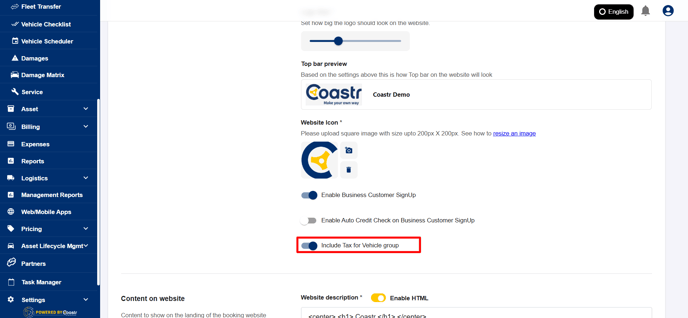
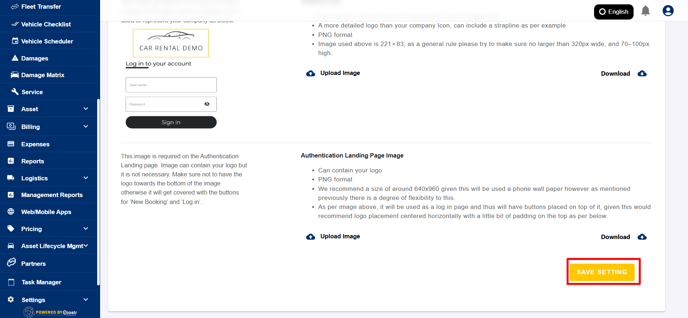
Once this is done, the pricing shown on your booking website will now include VAT, helping customers better understand their total costs.
That’s it! You’ve successfully enabled the option to display VAT-inclusive pricing for bookings made via your website.
If you have questions or need assistance, contact us at support@coastr.com — we’re happy to help! Please vote below if you found this guide useful. Thank you!