![Untitled design (29)-1.png]](https://help.coastr.com/hs-fs/hubfs/Untitled%20design%20(29)-1.png?height=40&name=Untitled%20design%20(29)-1.png)
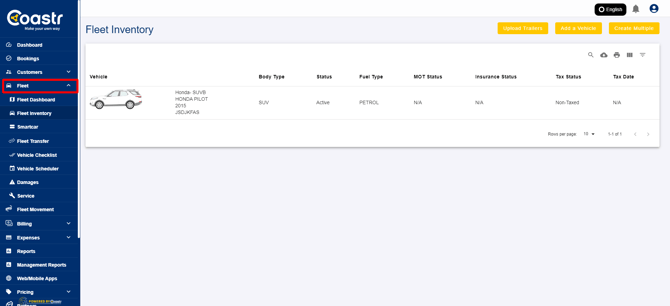
1. Select Fleet from the left-hand navigation menu and then from the dropdown menu select Fleet Inventory on the Car and Van Hire Software.
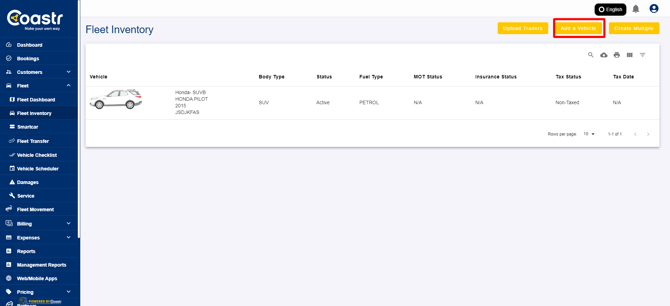
2. Click on the "Add a Vehicle" button to add a new vehicle to your fleet.
3. There are two ways to add the details of the vehicle:
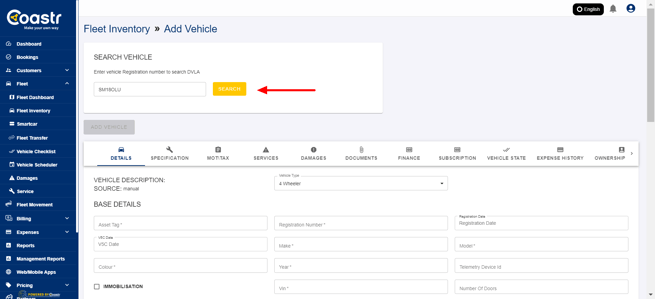
- When the vehicle registration number is added in the search box and the Search button is clicked, all the details of the vehicle are automatically retrieved and filled with data from the DVLA (UK vehicles only)
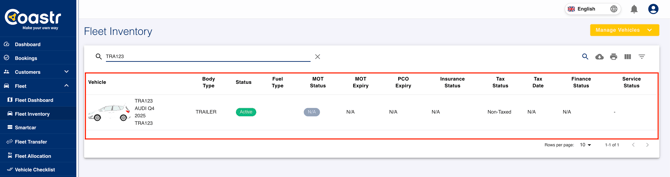
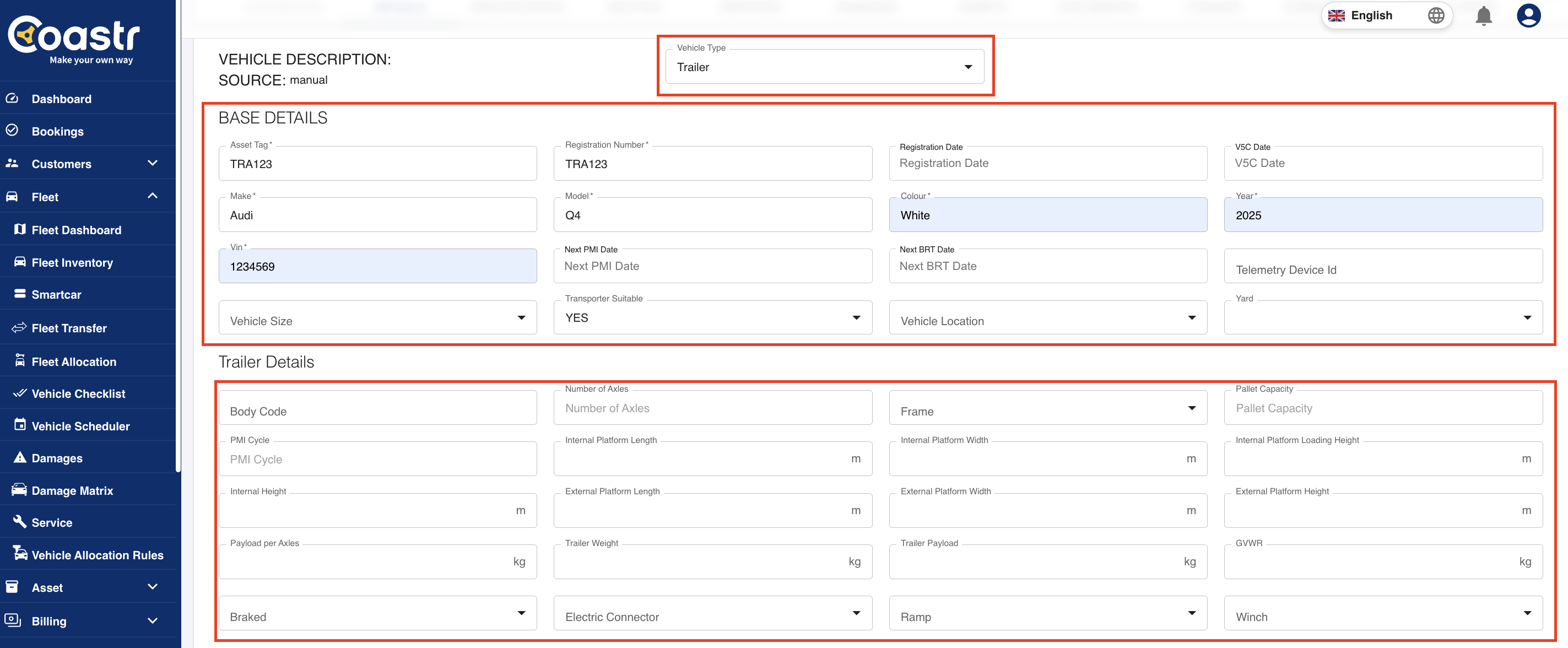
- Select 'Trailer' from the Vehicle Type dropdown and fill in additional details.
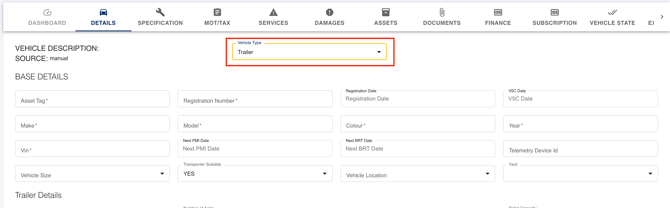
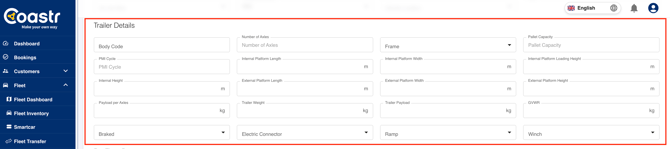
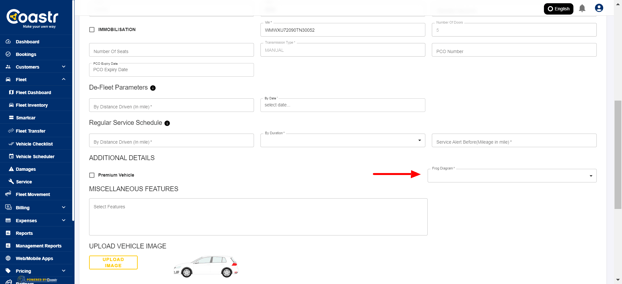
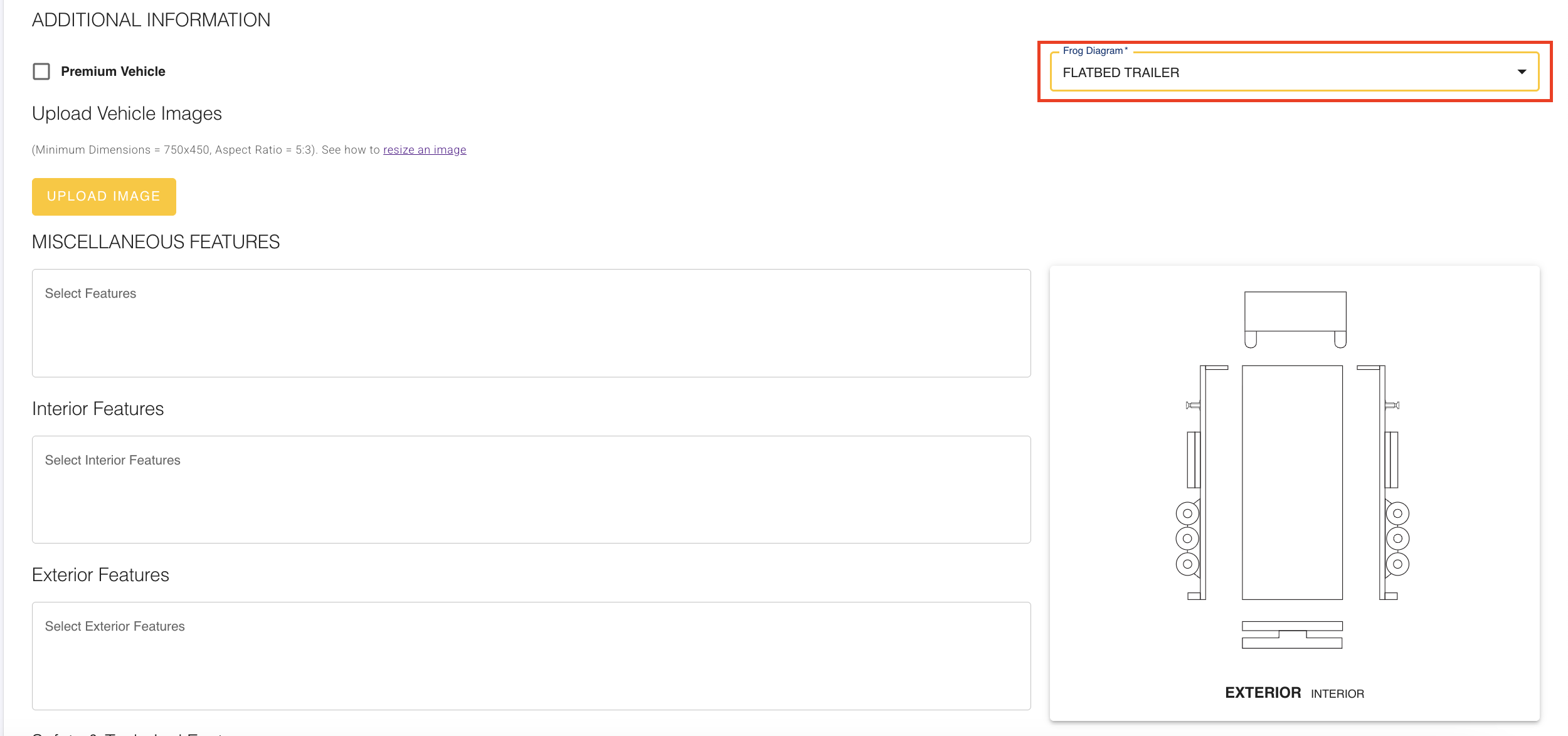
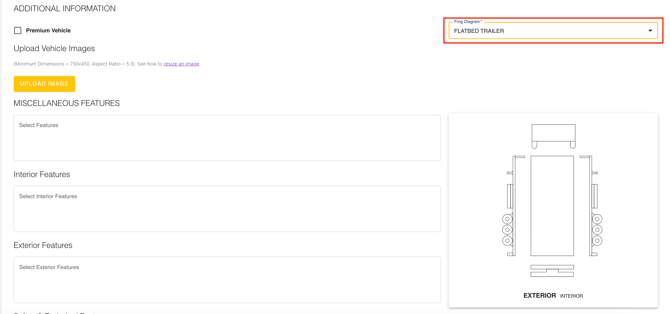
- You now need to select the most appropriate Frog Diagram (Vehicle Body Type) from the dropdown list
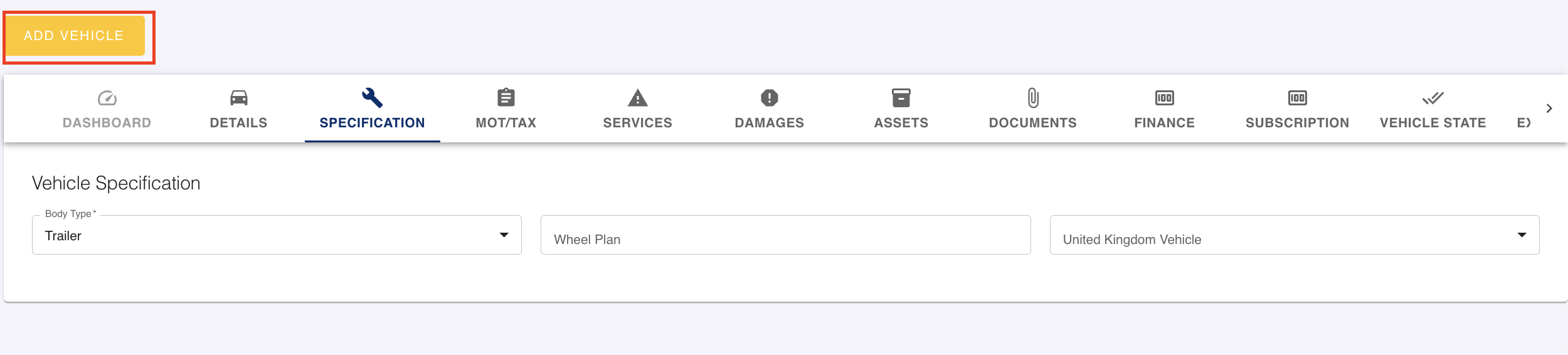
- Now scroll up and click on the 'Add Vehicle' button
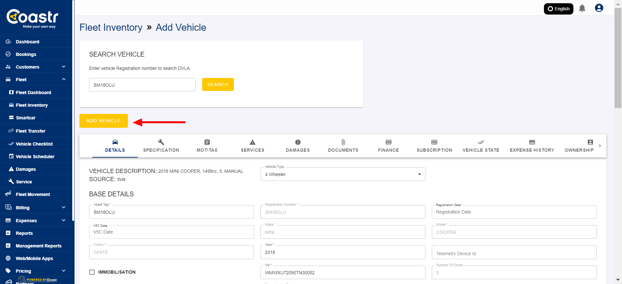
-
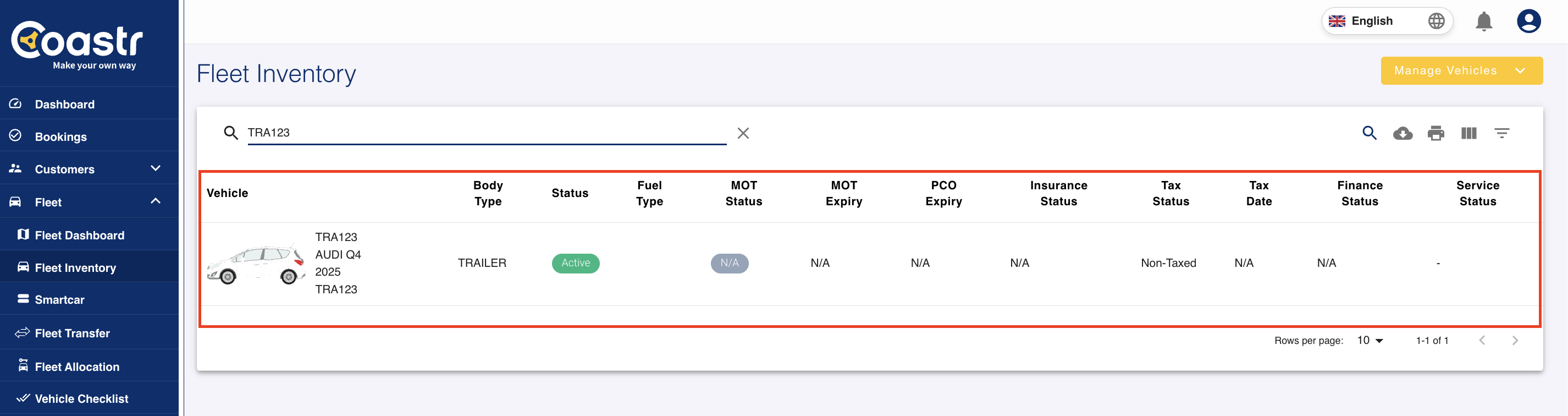
The vehicle will now be added to your fleet inventory
- Enter all vehicle base details manually like Asset Tag (any custom tag), Vehicle Registration Number/License Plate, Make, Model, Colour, Year, VIN, Number of Doors, Number of Seats and Transmission Type in the Details tab
- Next, enter the Vehicle's De-Fleet Parameters and Regular Service Schedule (You can click on the information icon to understand more details)

- Now select the FROG Diagram (Vehicle Body Type) that's most appropriate for the vehicle from the dropdown list
- Next, add details about the Vehicle Specifications in the Specification tab - Body Type . The rest are optional so can be added now or later

- Now, click on the 'Add Vehicle' button to add this vehicle to your Fleet Inventory
- The vehicle will now be added to your fleet inventory